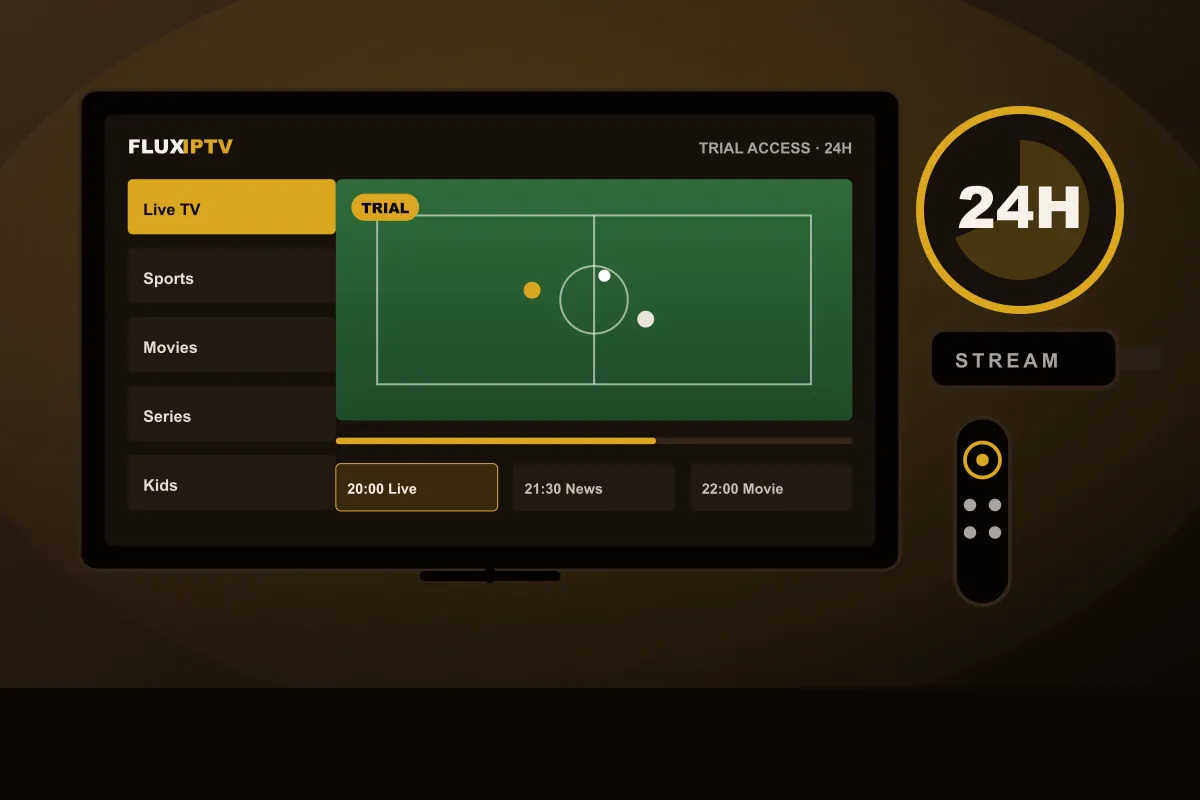
Live TV categories, sports, movies and series for American households, streamed over the internet connection you already pay for. Test it on your own TV for 24 hours before you choose a plan.
In short: FLUXIPTV is an IPTV USA service: you watch live TV and on-demand titles through a player app on a Fire TV Stick, Smart TV, Apple TV, phone or computer. You can request a 24-hour free trial on WhatsApp, and the plan runs for 1 year: €50 for 1 account, €95 for 2 or €140 for 3 accounts.
What IPTV USA means for American households
IPTV USA simply means television delivered over the internet to viewers in the United States.
Instead of a coax line from Comcast Xfinity, Spectrum or Cox, or a dish from DISH or DIRECTV, the
stream reaches a player app on a device you already own. You still keep your internet plan. You just
stop paying for the TV part of the bundle.
For many US homes the switch starts with a bill. A cable TV package with sports and a couple of premium
channels, plus box rental, a broadcast TV fee and a regional sports fee, often ends up well above $100 a
month. Live TV streaming apps have become cheaper alternatives, but prices have climbed there too, and
many families end up juggling several subscriptions. An IPTV service brings live categories, movies and
series into a single app with a single payment for 1 year.
What you can watch with FLUXIPTV in the United States
Our IPTV USA line-up is organized in categories, so you find things by type instead of scrolling through
hundreds of numbers:
Live TV: news, entertainment and general channels American viewers expect.
Sports categories: dedicated sections for game days, from football season through the playoffs.
Movies & series: an on-demand library you browse in the same player.
International: categories for the many US households that also watch TV in another language.
TV guide (EPG): what is on now and next, in apps that support a program guide.
Line-ups change over time, so if one channel matters to you, ask us on WhatsApp before you order, or
simply check it during your trial.
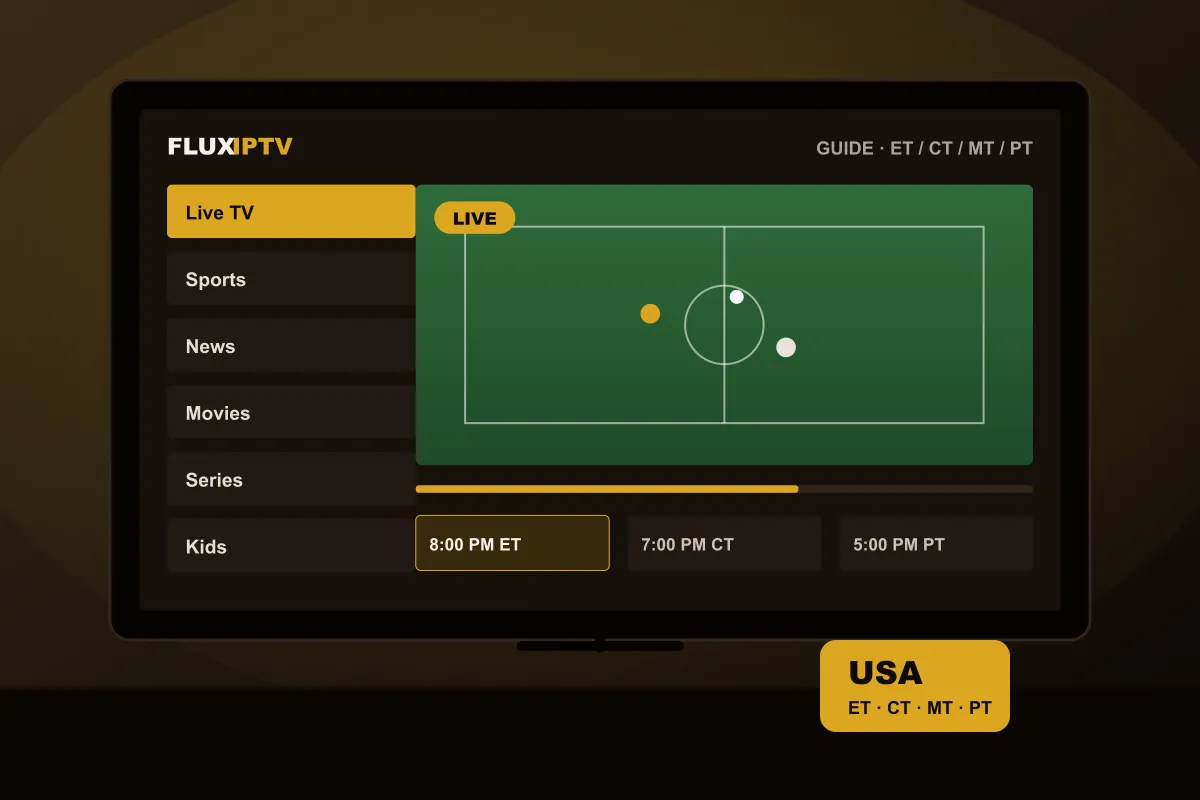
Time zones and the TV guide
The United States spans four main time zones. Prime time at 8 PM Eastern is 5 PM on the West Coast, so a
guide that shows the wrong times quickly becomes annoying. Most player apps let you set a time offset for
the EPG. Set it once to Eastern, Central, Mountain or Pacific time and the listings match your clock.
A streaming stick is the most common way American viewers watch IPTV on a TV.
Devices American viewers use most
You do not need new hardware. These are the devices we set up most often for customers across the US:
Amazon Fire TV Stick: inexpensive, easy to install, and the 4K models handle high-bitrate streams well.
Samsung and LG Smart TVs: watch without an extra box using an app from the TV's store; app choice depends on the model year.
Google TV and Android TV: including Chromecast with Google TV and TVs from Sony, TCL and Hisense running Google TV.
Apple TV, iPhone and iPad: player apps from the App Store work well for Apple households.
Laptops and PCs: handy for a dorm room or a home office.
Roku is popular in the US, but it offers very limited third-party IPTV app support. If your TV runs Roku
OS, plugging in a Fire TV Stick or Google TV device is usually the quickest fix. Unsure about your model?
Our IPTV test guide explains exactly what to check.
Internet speed and Wi-Fi for streaming in the US
Most US broadband plans are more than fast enough. As a rough guide, allow around 10 Mbps for a smooth HD
stream, 20 Mbps for Full HD on a big screen and 25 Mbps or more for 4K content. More important than the
headline speed is a stable signal where your TV sits:
Use an Ethernet cable, or the 5 GHz Wi-Fi band, for the living-room TV.
If the router is far away, a mesh system or an Ethernet adapter for the Fire TV Stick helps a lot.
Test in the evening. That is when neighborhood networks are busiest, and it is when you will watch.
Fixed wireless, satellite internet and rural DSL can work, but test first because speeds vary.
How to set up IPTV USA with FLUXIPTV
Setup takes a few minutes on most devices. There is no technician visit and no equipment to return.
01
Message us on WhatsApp
Say you are in the US and name your device, for example a Fire TV Stick 4K, a Samsung TV or an iPhone.
02
Install a player app
We tell you which compatible app to use on that device and send your 24H test login.
03
Watch, then decide
Check prime time on your own Wi-Fi. If it works for you, order the 1-year plan and keep watching.
Plans for US viewers
IPTV USA subscription plans
IPTV USA plan: one 1-year subscription for 1, 2 or 3 accounts, with one payment. Monthly costs are
on the pricing page.
1 Year Subscription
All included
One plan, everything included. Choose how many screens play at the same time.
18,000 live TV channels
60,000+ movies and series on demand
Worldwide sport channels (football, darts, F1, NBA and more)
Prices in euros (EUR), one payment for 1 year. Pay by credit card, iDEAL or bank transfer; your bank converts the amount to your currency. Channel and title counts are approximate and line-ups change over time. 4K depends on the channel, your device and your connection.
Not ready to order?
Start with a 24H free trial on your own device, then order the 1-year plan for 1, 2 or 3 accounts.
Watching from north of the border? Our IPTV Canada page covers Canadian
devices, French-language viewing and CAD billing. Ready to order? See
how to order with FLUXIPTV.
IPTV USA questions
Does FLUXIPTV work everywhere in the USA?
Yes. The service streams over the internet, so it works in any state with a stable connection, whether you are on cable, fiber, DSL or fixed wireless. Picture quality depends on your connection speed.
Can I use IPTV USA on a Fire TV Stick?
Yes. Fire TV Stick and Fire TV devices are among the easiest to set up. You install a compatible player app, enter your login, and the channel list and guide load.
Does it work on Roku?
Roku has very limited support for third-party IPTV player apps. If your TV runs Roku OS, a Fire TV Stick or a Google TV device plugged into an HDMI port is the simplest route.
Is there an IPTV free trial in the USA?
Yes. US customers can request a 24-hour free trial on WhatsApp. Read the IPTV free trial page for details.
Why are prices in euros if I live in the US?
FLUXIPTV bills in euros. Your card converts the amount to US dollars at the day’s exchange rate, so the dollar figure can move slightly. Some US cards add a foreign transaction fee.
How many TVs can I watch on at once?
A subscription streams on one screen at a time. If you want two or three TVs playing at the same moment, ask us on WhatsApp about extra connections before you order.
Try IPTV USA at home for 24 hours
Tell us your device and we’ll send test access with setup steps. Watch prime time on your own Wi-Fi, then decide.