
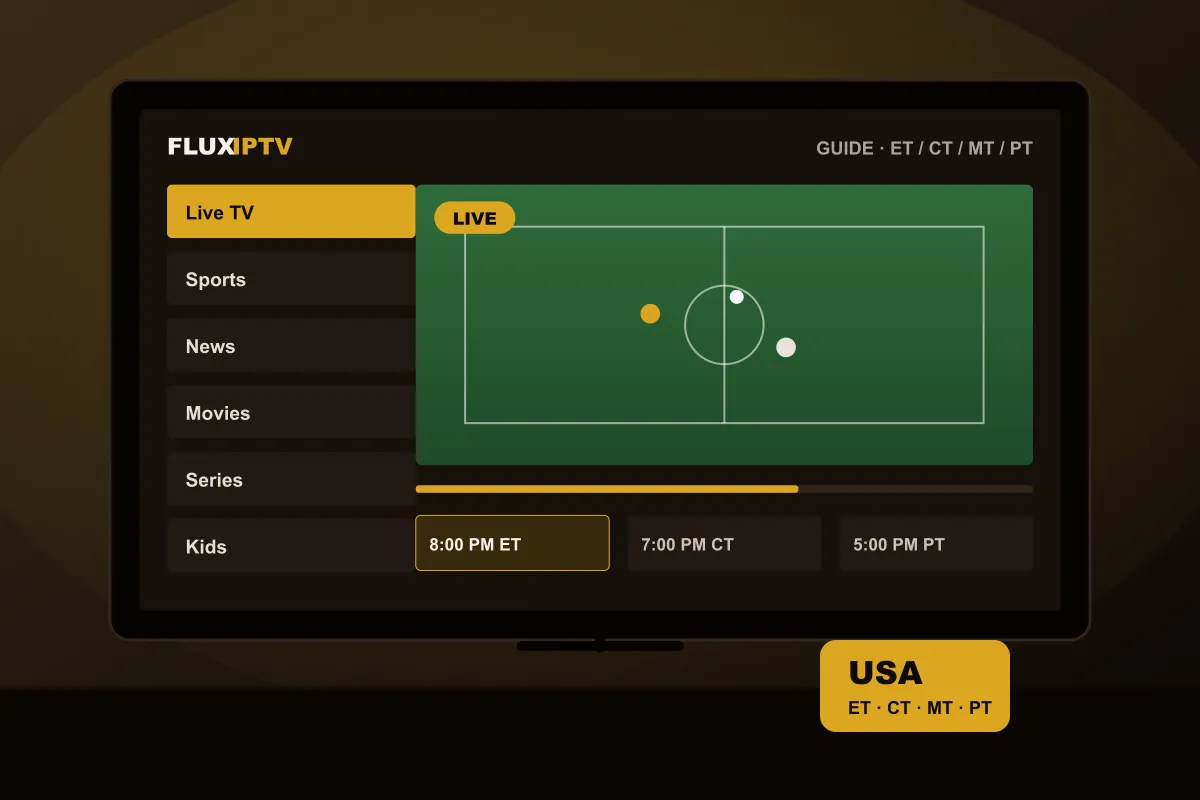
1. Check the device in your living room
Roku is the most common streaming platform in many American homes, and it is the one with the least support for third-party IPTV players. Before anything else, look at what your TV runs:
- Fire TV (stick or Fire TV Edition TV): easy, with good player apps. See the Firestick guide.
- Google TV (Chromecast with Google TV, Sony, TCL, Hisense): excellent app choice. See the Android TV guide.
- Samsung or LG: works with apps from the TV store; the model year matters. See the Smart TV guide.
- Roku TV or Roku stick: plan on adding a Fire TV Stick or Google TV device to a free HDMI port.
- Apple TV: compatible players exist in the App Store.
2. Check the guide handles your time zone
The US spans Eastern, Central, Mountain and Pacific time, plus Alaska and Hawaii. Program guides are often published in one reference time, so a player app needs a time offset setting to show the right listings. Make sure the app you plan to use has one, then set it during your test. Arizona viewers should double-check after daylight saving changes, since most of the state does not switch.
3. Check your internet speed at prime time
Advertised speeds are peak numbers. What matters is the speed at 8 PM, when your neighbours are streaming too. Run a speed test on the TV itself, not your phone, in the evening:
| Quality | Stable speed needed | Data per hour (approx.) |
|---|---|---|
| HD (720p) | 5 Mbps | 1.5 GB |
| Full HD (1080p) | 10 Mbps | 3 GB |
| 4K / HDR | 25 Mbps+ | 7 GB |
Cable and fiber connections from the big providers usually pass easily. Fixed wireless, DSL and satellite internet can work for Full HD but deserve a careful test.
4. Check your data cap
Some US internet plans cap monthly usage, often around 1.2 TB, with extra charges beyond that. A household watching four hours of 4K a day uses roughly 850 GB a month on TV alone. If you have a cap, pick the Full HD version of a channel instead of 4K when you want to save data; every plan carries both.
5. Check how you pay, and in which currency
Many IPTV services, including FluxIPTV, price in euros. Your bank converts the amount on the day you pay, so the dollar figure can move slightly, and some cards add a foreign transaction fee of around 3%. A card without foreign fees avoids that. In dollars, one account for a year currently works out to roughly the price of a single month of many cable TV packages.
6. Check what happens after the term
Look for automatic renewal. FluxIPTV plans are a single payment for 1 year and do not renew on their own, so there is nothing to cancel. Ask any provider you compare the same question before paying.
7. Check it with a real test
Every item above can be checked in 24 hours on your own TV. American viewers can request a free test on the IPTV USA page; it takes one WhatsApp message. Use the scorecard in our guide to testing IPTV before you subscribe to keep track.
Quick IPTV USA checklist
- My TV or stick can run a compatible player (not Roku-only)
- The guide shows the right time for my time zone
- My evening speed on the TV is 10 Mbps+ (25 Mbps+ for 4K)
- My data cap leaves room for the hours I watch
- I know the price in euros and my card’s foreign fee
- Nothing renews automatically
- I tested it for 24 hours at home